"27 Chicken Salads": The Contract-Dining Guide to Escaping Webtrition Data Sprawl
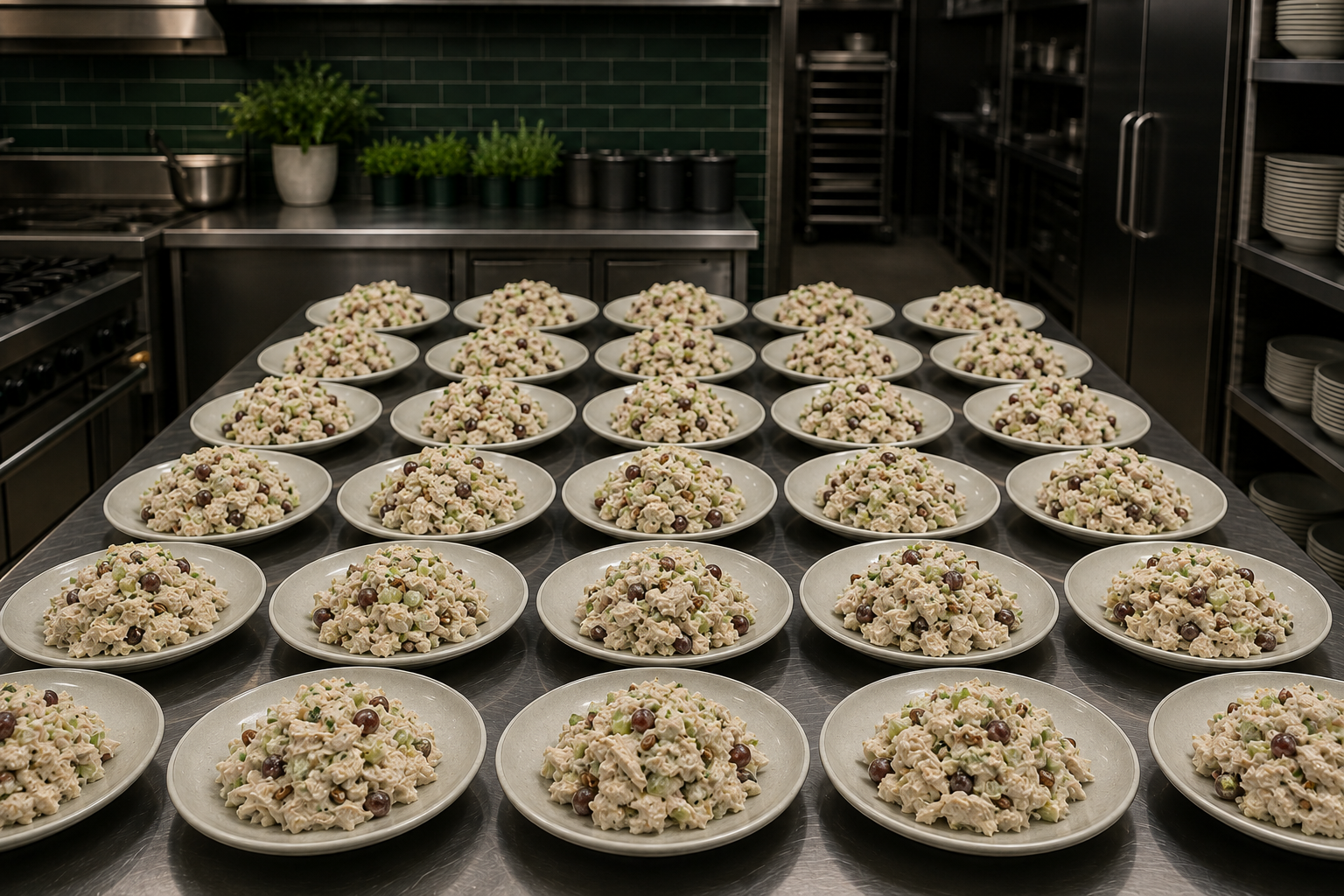
Somewhere in your recipe database, there are 27 chicken salads.
Not 27 different chicken salads. One chicken salad, entered 27 times — once per site, once per chef, once per menu cycle, once for the version where someone swapped mayo brands, once for the version with grapes, twice for the version with grapes that nobody remembers approving. Each copy carries its own ingredient list, its own cost, and its own allergen statement. Only some of them are right.
This is the single most common condition we find when we open a Webtrition or Excel-based recipe library in a contract-dining account. It isn't a discipline problem or a chef problem. It's what happens when a system makes copying easier than versioning, and when the only way to adapt a standardized recipe for a client site is to clone it. Multiply that across a commissary, a dozen accounts, and twenty campuses, and "data sprawl" stops being an IT phrase and becomes the reason your allergen matrix can't be trusted, your costing is directional at best, and your team re-does the same work every cycle.
This guide is written for the culinary directors, executive chefs, dietitians, and operations leaders who have to fix it — and who need to sell the fix internally to culinary, nutrition, finance, and IT without dragging a vendor into every meeting.
What sprawl actually costs you (and where it shows up)
Allergen accuracy becomes a coin flip. When 27 records describe one dish, the allergen statement your dietitian approved and the allergen statement printed on the floor label may not come from the same record. Nobody finds out until the wrong one is posted.
Costing you can't defend. Duplicates fragment your vendor mapping. Pack-size conversions get keyed differently, plan-in-volume/portion-in-weight logic drifts, and the same dish returns three plate costs. Finance stops using the number, and manual spreadsheet costing quietly becomes the real system of record — often account by account, campus by campus.
Standardization stops being enforceable. You can publish a standard, but if every site holds its own copy, you have no mechanism to make a change stick — or to prove it stuck.
Nutrition and compliance work gets redone. Posted nutritionals, portion documentation, and client-facing menu data get rebuilt per site because there's no single source to publish from.
Onboarding takes forever. New chefs and rotational managers learn the workarounds, not the system.
Why "clean it up first" never works
Every team that has tried to de-duplicate in place has learned the same lesson: cleanup competes with service. Nobody has a spare quarter to reconcile 27 chicken salads while running a commissary and per-floor packing.
So we don't ask you to. Galley does the configuration — not your chefs. Before anyone on your team keys in a single recipe, we mass-import your existing world: recipes and sub-recipes, vendor items and pricing, customers and sublocations, and your standard menu and program structures. The rule we operate by is clone, don't rebuild. If you already have federal or client food programs in place, we start from a pre-built version and mass-import your current configuration into it rather than asking you to reconstruct it from scratch.
How the migration works
1. Export and structured CSV ingestion
Webtrition and Excel exports are messy but they're structured enough to work with. We take your recipe exports, ingredient master, vendor catalogs, and site/location lists as structured CSV and map them into Galley's data model — recipes, sub-recipes, ingredients, vendor items with pack sizes, and location hierarchy. You don't build the template; we build it against what you actually have.
2. AI-assisted ingestion for everything that isn't clean
Real libraries always include the stragglers: PDFs, chef binders, one-off spreadsheets with method text crammed into a single cell, spec sheets from a client, recipes that live in email. Galley's AI-assisted ingestion and recipe wizard parse unstructured recipe text into structured ingredients, quantities, units, and method steps so those records come into the same system as everything else instead of staying stranded.
3. De-duplication and consolidation
This is the step that ends the 27-chicken-salads problem. We identify near-duplicate records, collapse them into one canonical recipe, and preserve legitimate variation as versions and site-level variants of a single parent rather than as separate recipes. One record, one allergen statement, one cost basis — with a documented list of what merged into what, so your chefs can verify rather than trust.
4. Vendor and costing cleanup
Duplicate recipes usually sit on top of duplicate ingredients and broken pack-size math. We mirror your vendor items and pricing and clean up pack-size conversions as part of migration, so the first cost you see in Galley is a cost you can hand to finance. Nutrition is anchored to USDA and branded-vendor data, with plan-in-volume/portion-in-weight handled rather than approximated.
5. Verification, side by side
Before go-live, your chef drives. We run your current workflow in your incumbent system step by step, then the same workflow in Galley, and compare outputs on your recipes — not a demo library. If there's a gap, you find it before you commit, not after.
Allergen governance: RBAC, approvals, and version history
De-duplication fixes today. Governance is what keeps sprawl from growing back. Three mechanisms do the work:
Role-based access control. Chefs, unit managers, dietitians, and corporate culinary get different permissions on the same catalog. A site can adapt within the boundaries you set; it cannot silently fork a standardized recipe or overwrite an approved allergen statement.
Approval workflows. New recipes and changes to existing ones route for review before they publish to the floor. That gives your dietitian a real gate on allergen and nutrition claims, and gives corporate culinary a real gate on standards — the same control structure client-side food safety and QA teams ask about in diligence.
Version history. Every change is attributable: what changed, who changed it, when, and what the prior state was. When a client asks how an allergen statement was derived, the answer is a record, not a reconstruction.
Worth saying plainly for the compliance conversation: Galley is the system of record for recipes, menus, nutrition, production, and costing. HACCP logging and temperature tracking can stay where they are today. You do not have to rip out a food-safety anchor to fix your recipe data.
Commissary to floor: production and packing that matches how you actually operate
Contract dining rarely produces at the point of service. A commissary produces, and then product gets split, packed, labeled, and delivered — often per building, per floor, per client, per micro-market, per meeting room. In a duplicate-heavy library, that split is done in spreadsheets, and the label is whatever the last person typed.
In Galley, one canonical recipe drives all of it:
Forecast and plan by sublocation, so each floor, venue, or client account has its own demand line against the same recipe.
Aggregate production up to the commissary — batch what should be batched once, not 27 times.
Generate pick, pack, and delivery lists broken out by destination.
Produce labels and posted nutritionals as a by-product of the workflow, pulling from the approved record rather than a parallel document.
Push outputs where they need to go — menu boards, ordering apps, and accounting — so the data leaves Galley in the shape downstream systems expect.
One catalog, many sites: standardized recipes deploy across accounts, regions, and multiple distribution centers, and a change made once lands everywhere it's authorized to land.
How to sell this internally
If you're the champion, these are the objections you'll hear and the answers that hold up.
"Our chefs won't use it — it looks admin heavy." Don't show them a demo; let them drive the side-by-side on their own recipes. The planning view mirrors the spreadsheet logic they already use, and the AI recipe wizard plus ingredient filters remove most of the keying. Galley will rework and clean the account data rather than hand your team a cleanup project.
"Per-user pricing punishes us — we have rotational and temp managers." Galley includes unlimited logins. Shared, rotational, and temporary staff don't add cost.
"We need to align internally before an enterprise rollout." Don't try. Start with one region, one account, or one venue type, with a defined trigger for phase two — and get culinary, nutrition, and finance/IT into the same side-by-side session so alignment happens live instead of over six weeks of email.
"The scope is too big." Phase it. Recipes and nutrition first; menu planning, production, and costing second. Or retail first, then all-you-care-to-eat. Tie phase one to a real date — a compliance deadline, a client onboarding, or your incumbent's renewal.
"Our vendor pack sizes don't convert, so costing will be wrong anyway." That's a pre-go-live task, not a post-go-live surprise. Pack-size conversion cleanup is part of migration.
"We're already paying for Webtrition." Anchor on the renewal date and on what the duplicate library is costing in dietitian review hours, manual costing, and allergen risk exposure — then scope phase one to land before the renewal decision.
A realistic first phase
Discovery and export. We inventory your recipe library, vendor catalogs, and site hierarchy, and confirm which programs to clone. Food-safety scope gets settled here, not in the demo.
Ingestion and de-duplication. Structured CSV plus AI-assisted ingestion for the unstructured remainder. We deliver a merge report showing exactly which duplicates collapsed into which canonical recipes.
Governance configuration. Roles, approval routes, and dietitian review gates set up to match your org — corporate culinary, nutrition, unit level.
Side-by-side validation. Your chef runs a real cycle in both systems. Costing, nutrition, allergens, and production/packing outputs compared on your data.
Go-live for phase one scope, with phase-two triggers written down.
Get the migration guide and the internal-sell checklist
Download the guide for the full de-duplication and governance framework, plus a one-page internal checklist you can forward to nutrition, finance, and IT: the questions to ask your incumbent, the data you'll need to export, the RBAC and approval structure to specify, and the phase-one scope template.
Or skip ahead: bring us your Webtrition or Excel export and one problem recipe family — your own 27 chicken salads — and we'll run the side-by-side on your data. You walk us through your current workflow first. Then we prove there are no gaps, step by step.
Related reading
Why Clean Food Data is the Non-Negotiable for Future Scalability
Technology Can Help Navigate Allergen Laws in Both US and EU
Next step: See how Galley handles commissary central kitchen software.