Introducing Galley’s Standard Templates
— Ready-to-Use Tools for Every Kitchen
We heard you. Now, Galley’s most-requested templates are available to every user — no customization required. From prep lists to temp trackers, these ready-to-use exports help you streamline daily operations and maintain culinary excellence with less effort.
Galley’s new Standard Templates bring the power of structured food data to your everyday workflows. These plug-and-play templates are built directly from our most popular custom exports — now available instantly to every Galley user. Whether you’re tracking temperatures, printing menu cards, planning prep lists, or scaling packing sheets, you can now generate perfectly formatted documents in seconds — no setup, no waiting, no support request required.
Available now in your Galley account under
Admin → Imports & Exports → View Templates.
Why We Built Standard Templates
You asked for faster ways to get your most common exports — and we listened. Galley’s Standard Templates were designed for operators who need efficiency and consistency across menus, locations, and production cycles.
Now, every team can start from proven templates built for:
Speed: No setup or customization required.
Accuracy: Automatically pulls the latest recipe, menu, and production data.
Consistency: Trusted formats used across leading operators.
Scalability: Works across menus, production sites, and reporting needs

Each template is purpose-built for a core kitchen workflow — giving your team the data they need in exactly the format they expect.
What’s Included
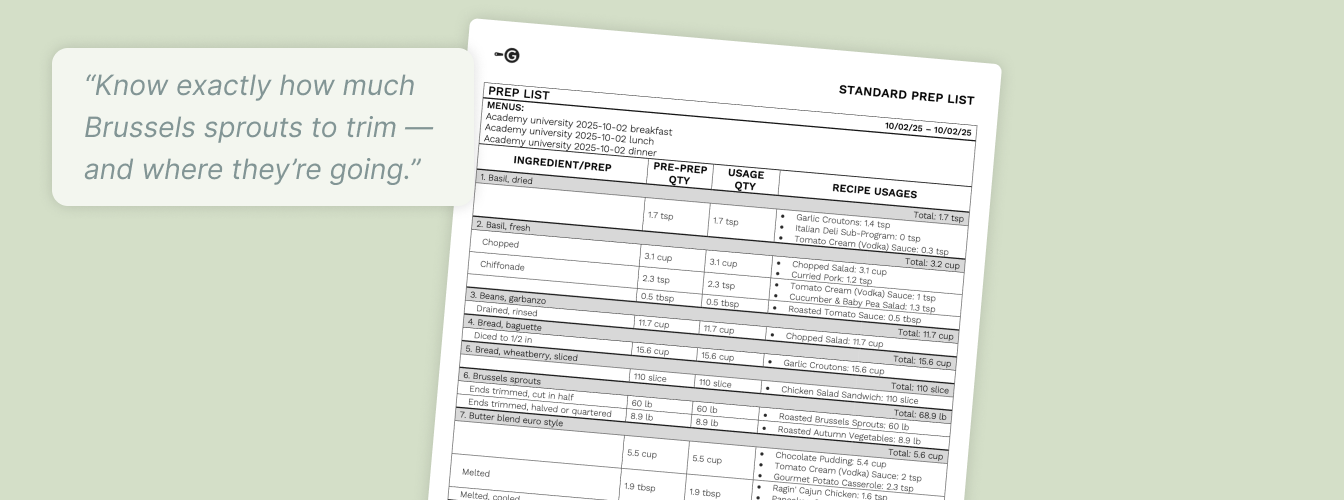
Prep List
Generate a complete list of all ingredients across selected menus — alphabetized, with total quantities, trimmed and untrimmed weights, and breakdowns by preparation type. Perfect for prep teams that need clarity before production starts.
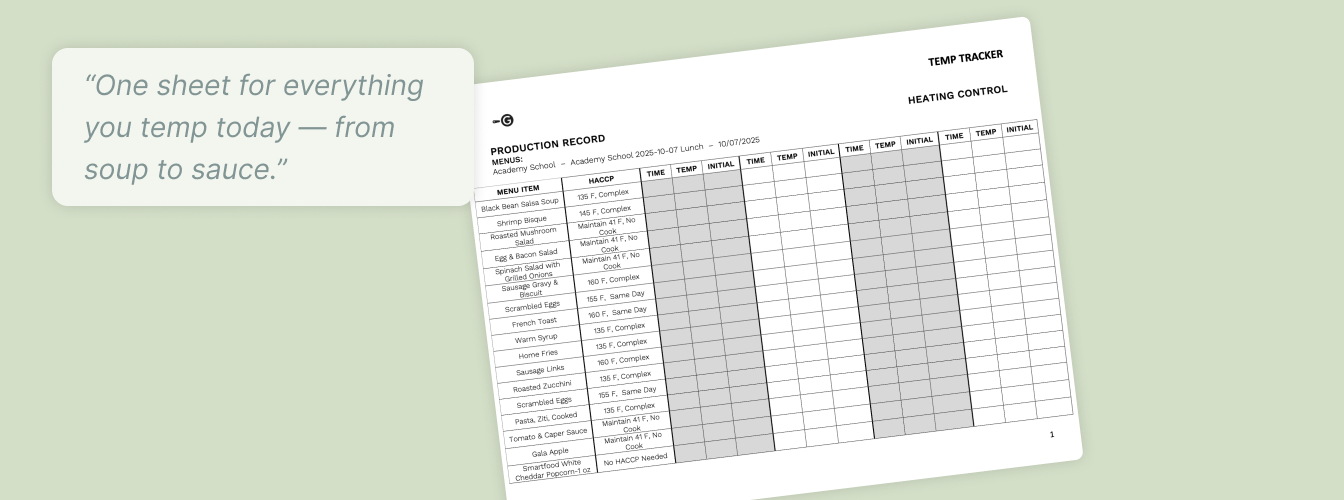
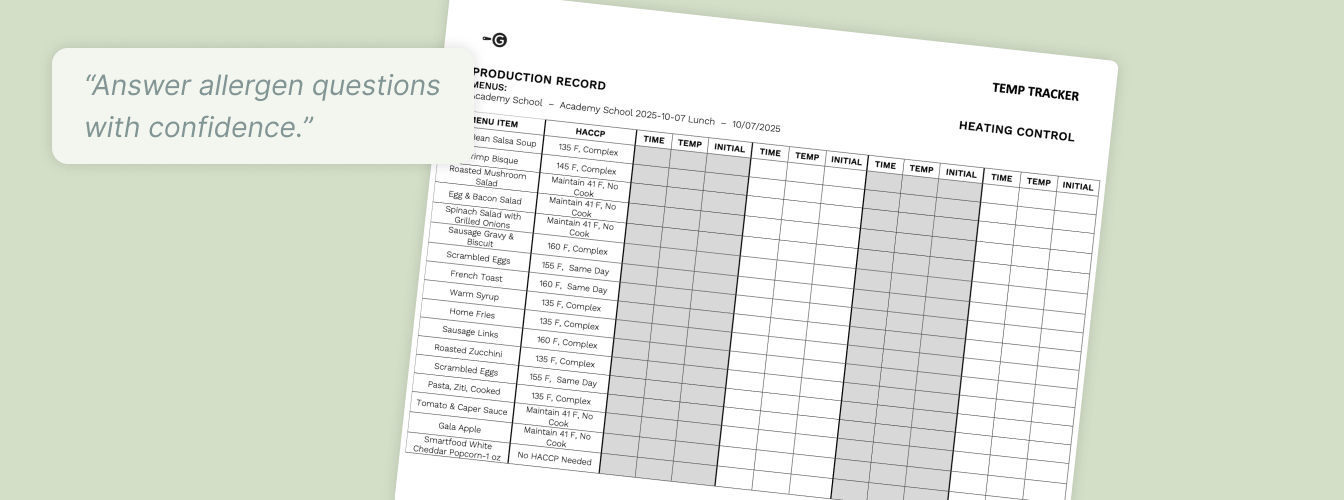
Temperature Tracker
Stay HACCP-compliant with heating and cooling control tables for each menu item. Capture time, temperature, and initials for every check, all organized by menu.
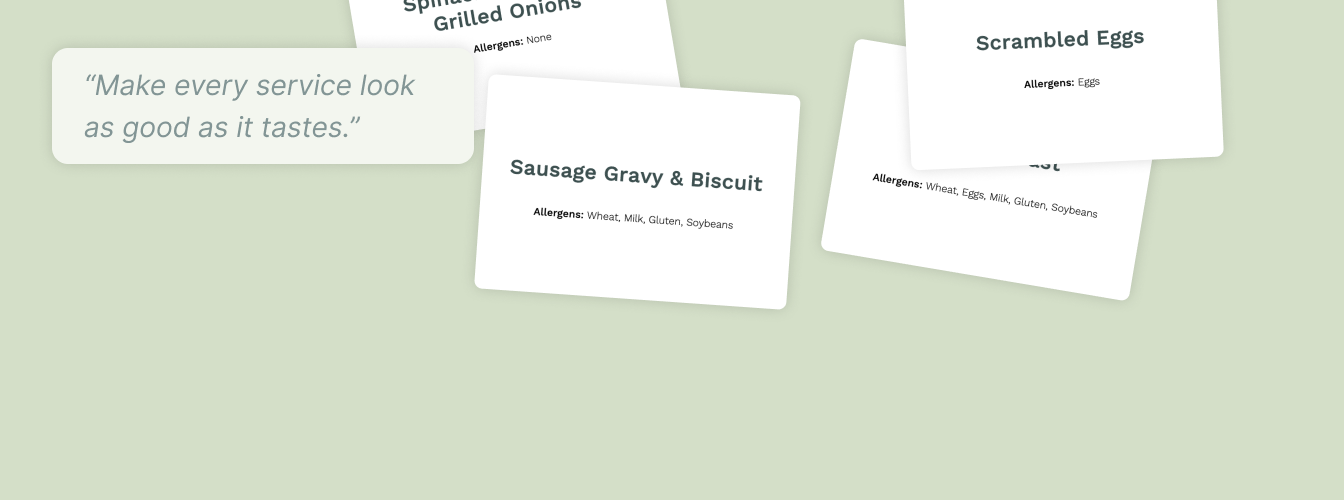
Menu Item Cards
Print 4 menu cards per page to display during service. Each includes the recipe name and allergen icons — perfect for customer-facing lines or delivery setups.
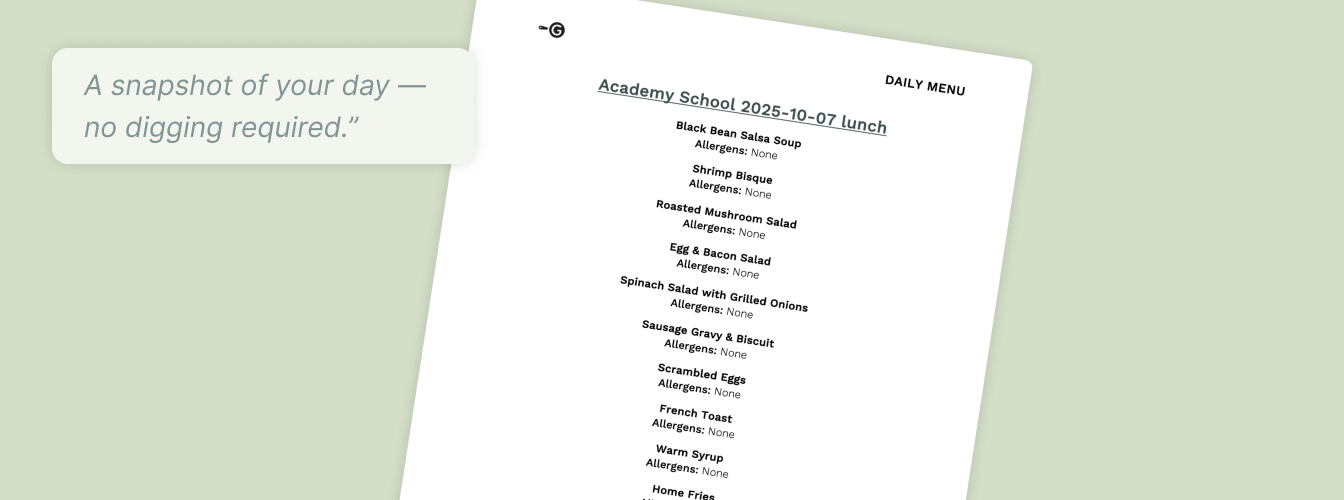
Daily Menu
A high-level overview of all menu items and allergens for each selected menu — ideal for reference, review, or display.
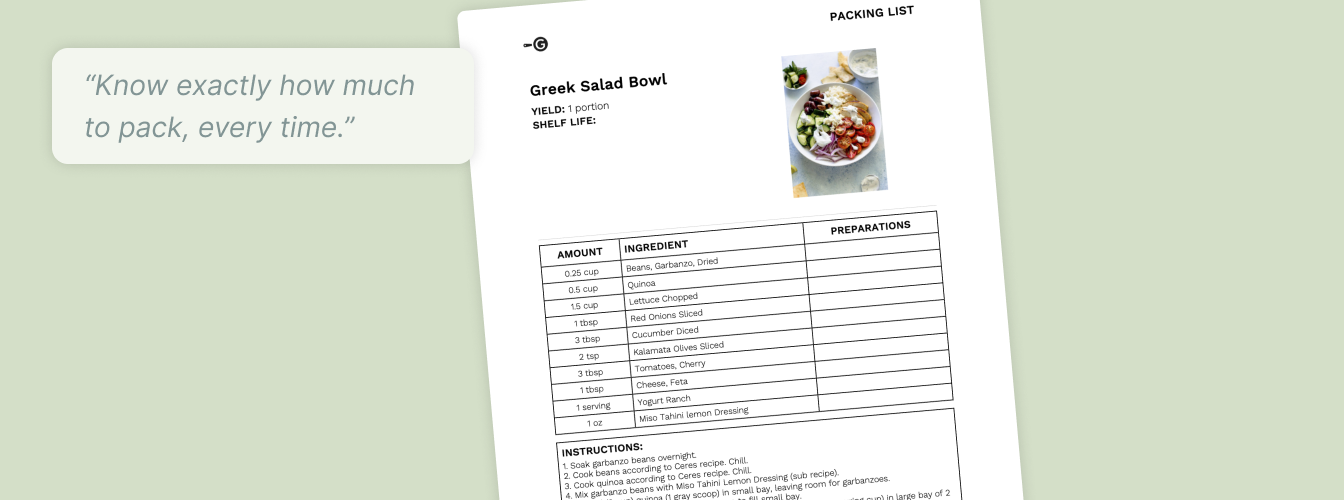
Packing List
Export menu items scaled to one usage unit, complete with shelf life, images, and packing notes. Ideal for delivery or Food-as-Medicine programs that assemble completed meals.
Product Book
Generate a reference guide of all menu items with allergens and nutrient summaries — formatted for your sales or service team.
How to Access
Accessing Standard Templates takes less than a minute.
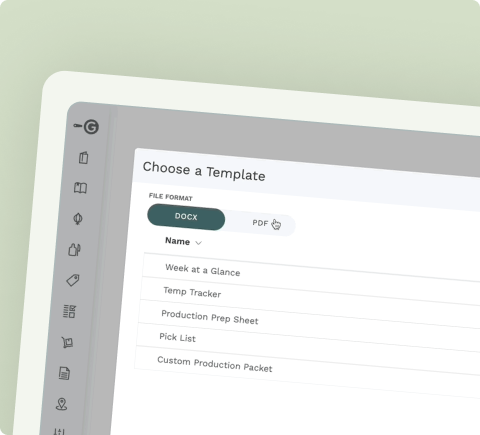
Go to Admin → Imports & Exports → View Templates
Click the + icon to add a new template
Select from the list of Standard Templates
Load, export, and you’re done
Note: These templates are ready to use — no customization or feature flag changes required.
Designed for Every Operator
Whether you’re managing a university dining program, a community kitchen, or a multi-site meal delivery operation, Galley’s Standard Templates help teams run faster and smarter.
They’re not just spreadsheets — they’re structured data, formatted with purpose.
Use them to:

Improve team communication

Standardize daily reporting

Support audits and compliance

Save hours of manual formattin
FAQ
-
No. They’re available to every Galley account under Admin → Imports & Exports.
-
Absolutely. Standard Templates are an addition — not a replacement — for your custom workflow.
-
Yes. You can copy and modify them as needed for your operation.
-
Standard Templates evolve with Galley — we’ll continue adding new formats based on user feedback.
Start Using Standard Templates Today
No setup. No waiting. Just clean, consistent exports built from the best of Galley’s data.